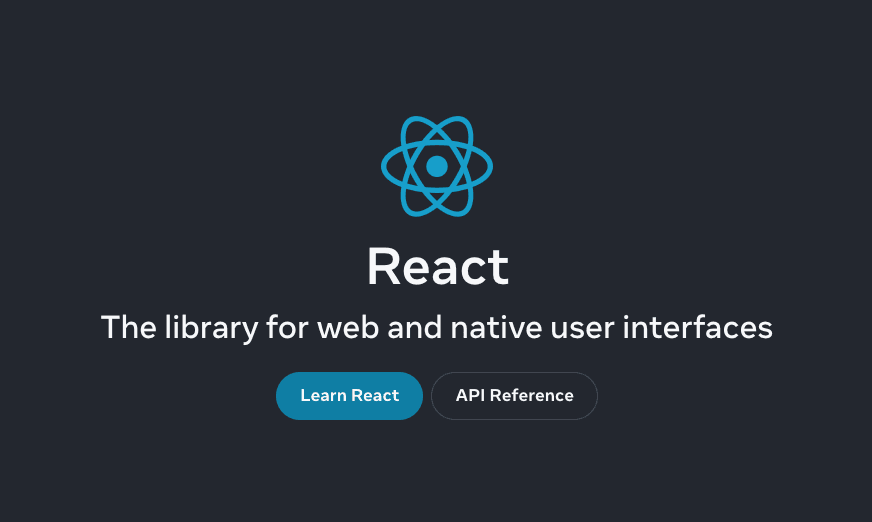
React.dev mattered because it treated documentation like a product surface, not a warehouse of API notes.
The shift was not just visual. It reduced the number of decisions a new React developer had to make before building something real: function components first, hooks as the default mental model, and examples that show state moving through interfaces instead of isolated snippets.
What I keep from that relaunch
The useful lesson for product engineering teams is that the best technical surfaces remove alternate paths until the reader has enough context to choose intentionally.
- Start with the path most people should take.
- Put legacy context behind explicit doors.
- Use examples that resemble the way teams actually build screens.
- Make the next step obvious after each concept.
That same pattern applies to design systems, onboarding flows, internal docs, and dashboards. A user should not have to reverse-engineer the recommended way through your product.
The front-end angle
Modern React is at its best when UI and data ownership are legible. Server components, local state, reducers, transitions, and effects all have a place, but they should not compete in the same component because the author was unsure where logic belonged.
When I review React code, I look for the same clarity:
type Status = "idle" | "saving" | "saved" | "failed";

function getSaveLabel(status: Status): string {
  if (status === "saving") {
    return "Saving";
  }

  if (status === "saved") {
    return "Saved";
  }

  if (status === "failed") {
    return "Retry";
  }

  return "Save";
}
Small pure functions like this are not glamorous, but they keep components honest. They also make interaction states easier to test and easier for designers to reason about.
The practical takeaway
If a UI framework needs a clear learning path, a product interface does too. Decide the path, encode it in structure, and keep escape hatches available without letting them become the default experience.